
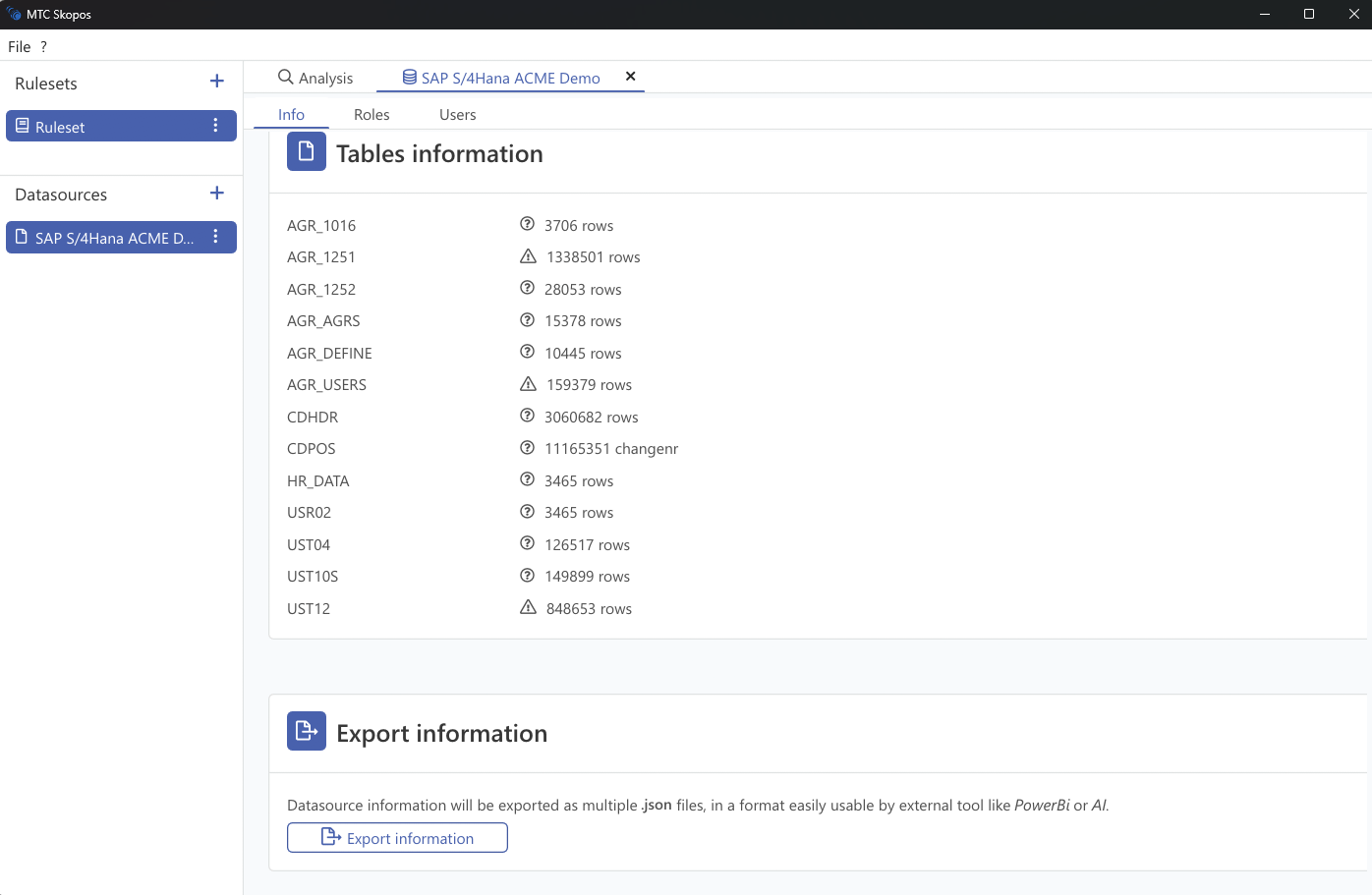
This export is not a risk report. It is the computed role catalogue for a loaded data source: every role with its contents, its assigned population, and its aggregated usage. It exists so you can take role statistics somewhere MTC Skopos does not go, typically Power BI for deeper dashboarding and trending, or a script for a bespoke question. For the executive summary of an analysis you have just run, the Overview dashboard covers it without an export.
Steps
- Select a loaded data source
- Click Export
- Choose an output directory
Two files are written.
Output files
| File | Contents |
|---|---|
single_roles.json | One object per single role |
composite_roles.json | One object per composite role |
single_roles.json
| Field | Meaning |
|---|---|
name | Role name |
actions | Actions the role grants, each with its own usage statistics |
users_assigned | Users holding the role directly |
users_assigned_via_composite | Users holding it through a composite |
users_assigned_count | Total holders |
total_actions_usage | Sum of executions across the role's actions |
last_action_executed_on | Most recent execution timestamp |
is_master_role | Present when the role is a master in a derived-role hierarchy |
parent_role | The master this role derives from |
composite_roles | Composites that include this role |
composite_roles.json
| Field | Meaning |
|---|---|
name | Composite role name |
roles | Single roles it contains |
users_assigned | Users holding the composite |
users_assigned_count | Total holders |
actions | Actions reachable through it, with usage statistics |
total_actions_usage | Sum of executions |
Fields that are zero or empty are omitted rather than written as nulls, so do not assume every key is present on every object.
Notes
- The export needs computed statistics, which are built shortly after a data source finishes loading. Exporting immediately after load may produce nothing; wait for loading to complete and retry
- Usage figures are only populated when a usage table was supplied with the data source
- These files are the same inputs the remediation workbook tooling expects, alongside a remediation export