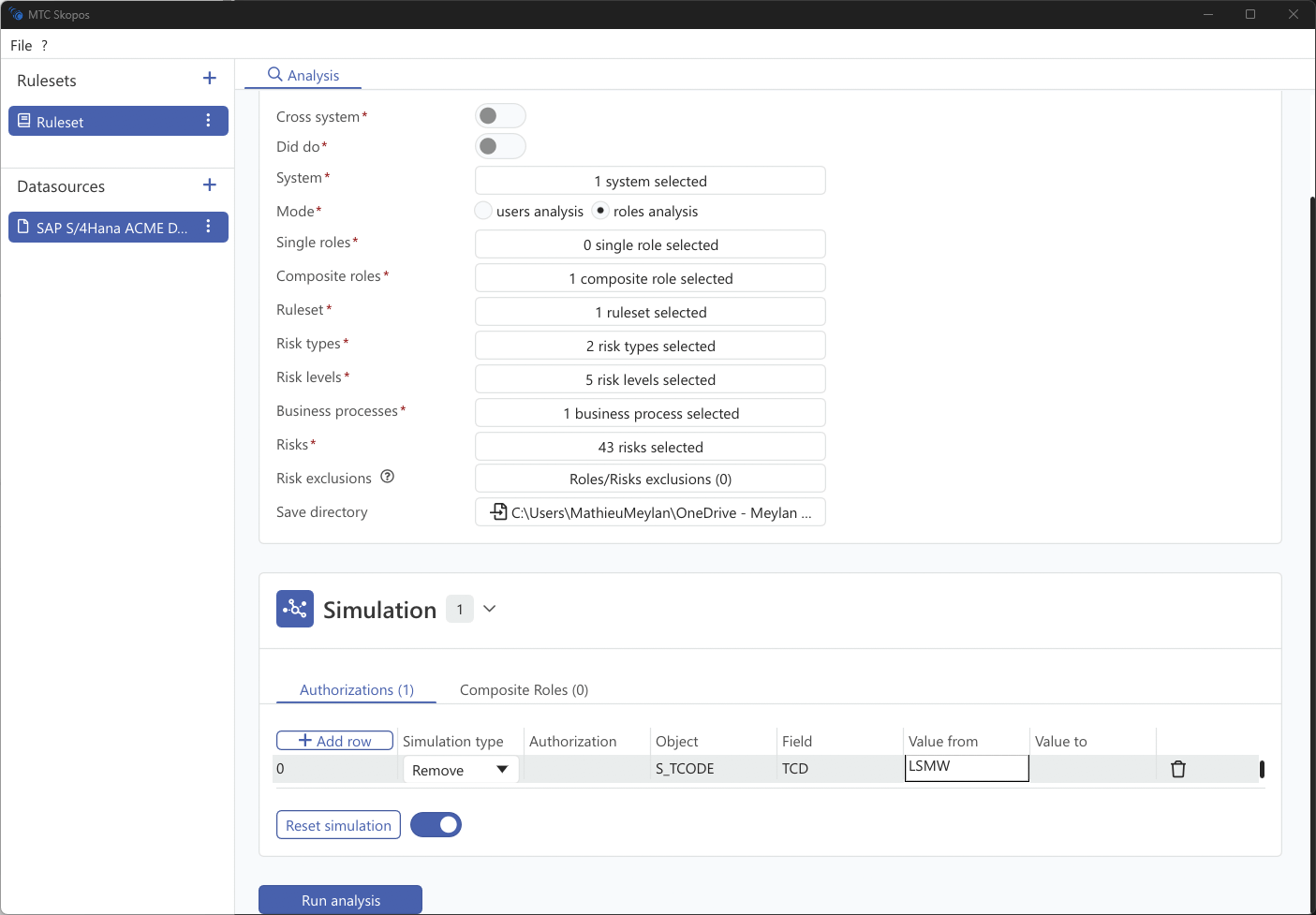
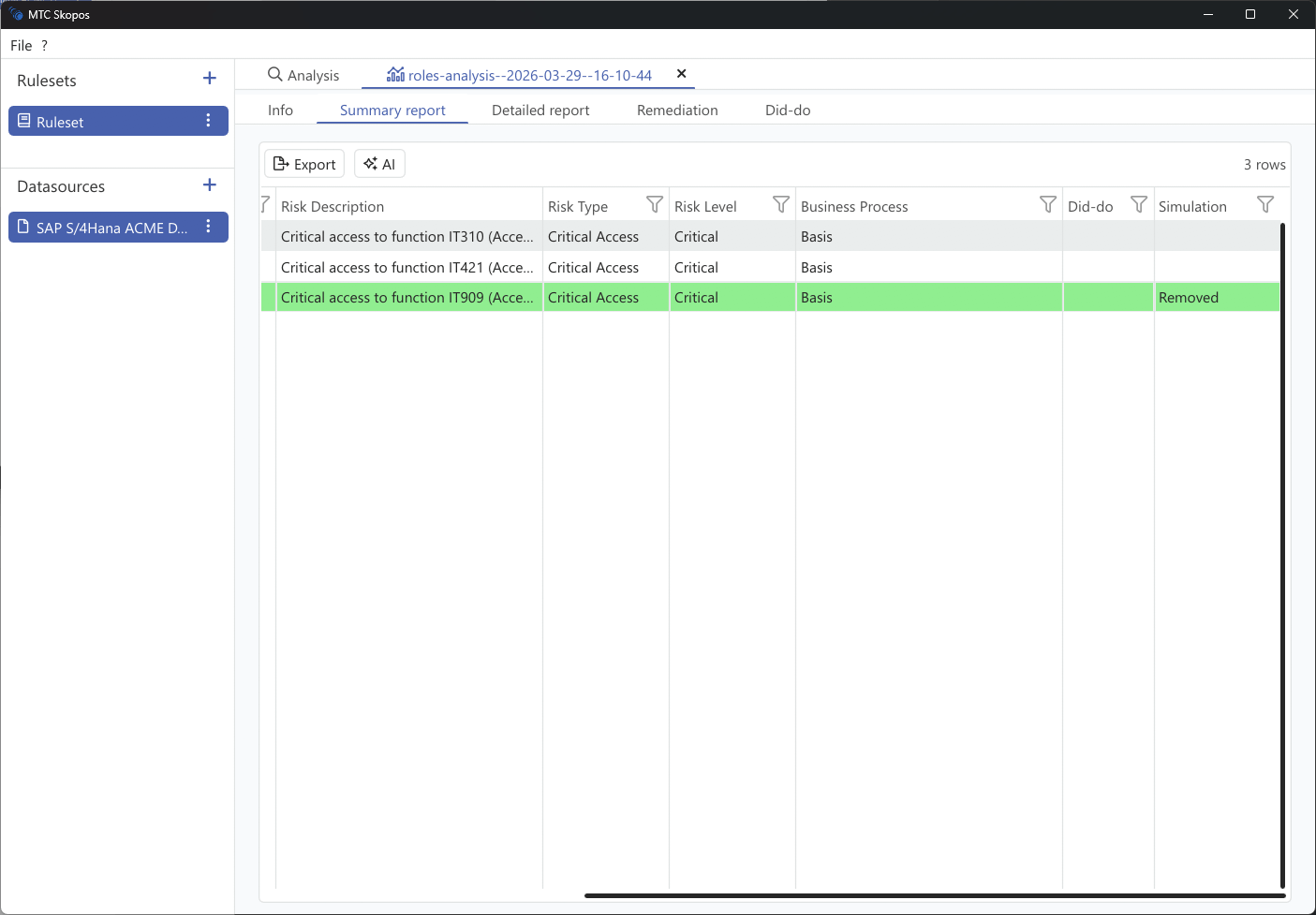
Test the impact of authorization changes within a role.
Steps
- In Analysis, select Roles mode
- Go to the Simulation panel
- Use the Authorizations tab to simulate changes:
| Action | How |
|---|
| Add authorization | Add a new permission to the role |
| Remove authorization | Remove an existing permission |
- Use the Composite Roles tab to simulate structure changes:
| Action | How |
|---|
| Add to composite | Add a single role to a composite |
| Remove from composite | Remove a single role from a composite |
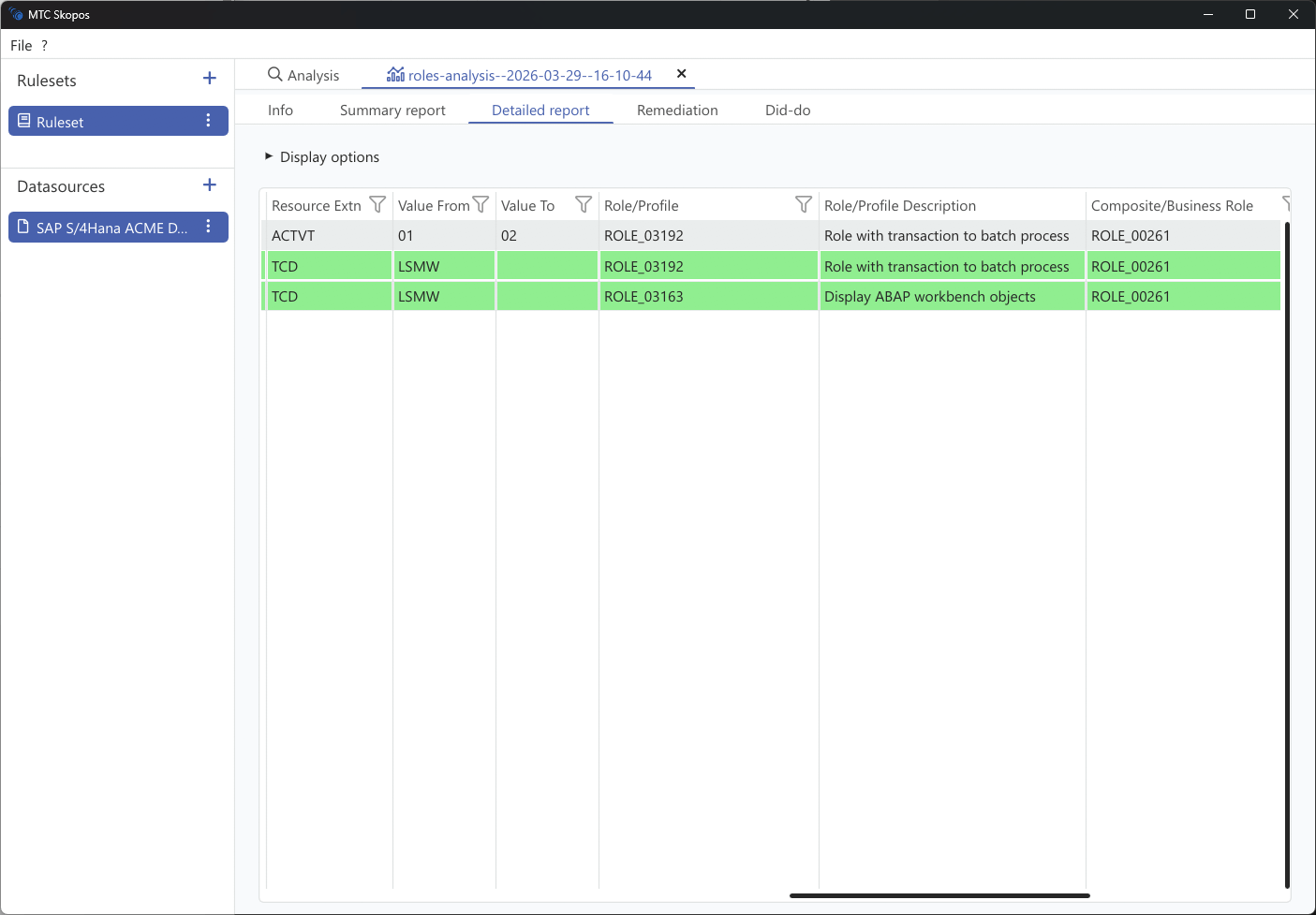
- Run the analysis to see the impact on all affected users