
Test the impact of role assignment changes on a specific user.
Steps
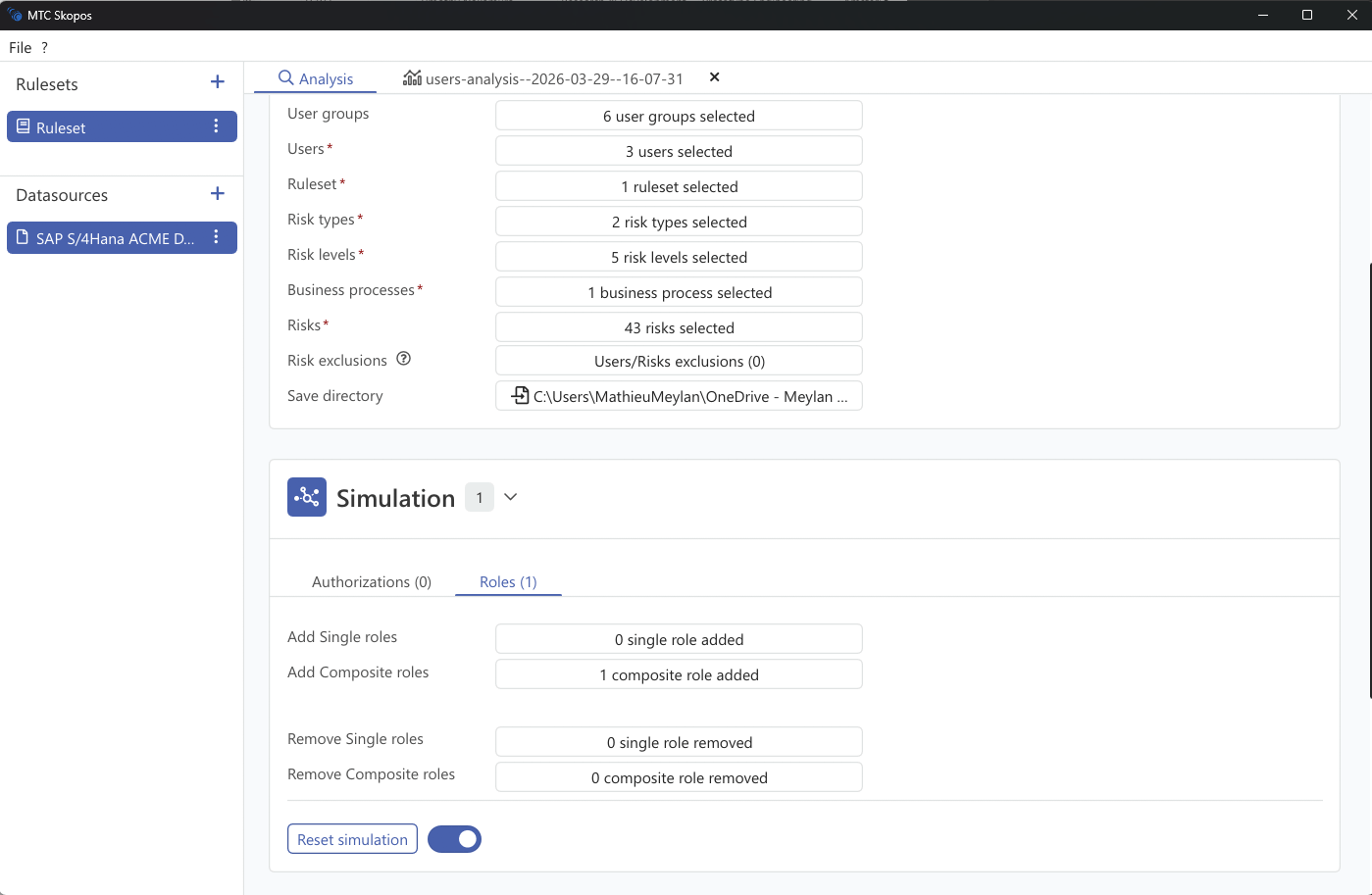
- In Analysis, select Users mode
- Go to the Simulation panel
- Use the Roles tab to simulate role changes:
| Action | How |
|---|---|
| Add role | Select a role to add to the user |
| Remove role | Select an assigned role to remove |
- Run the analysis with simulation enabled
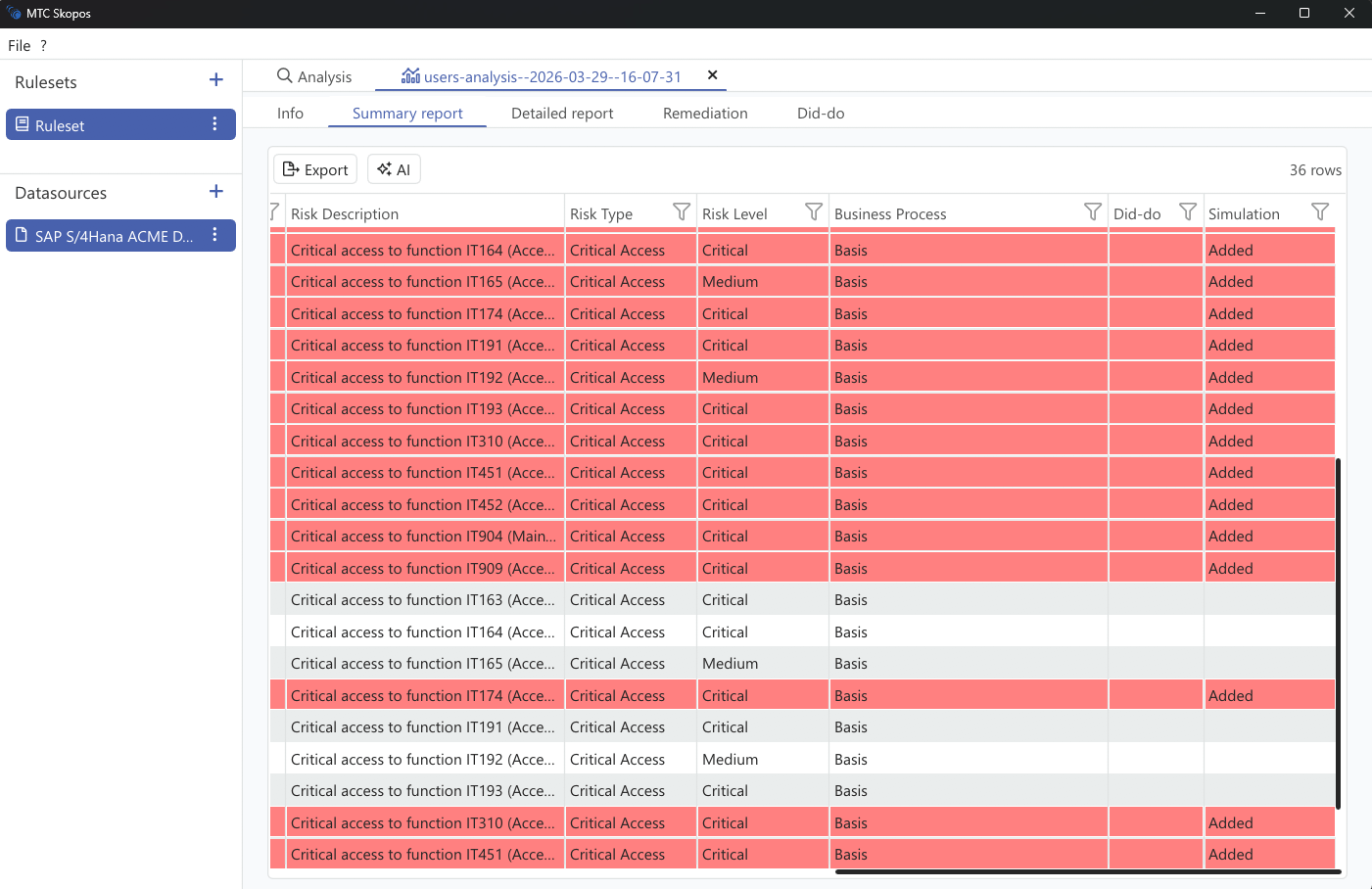
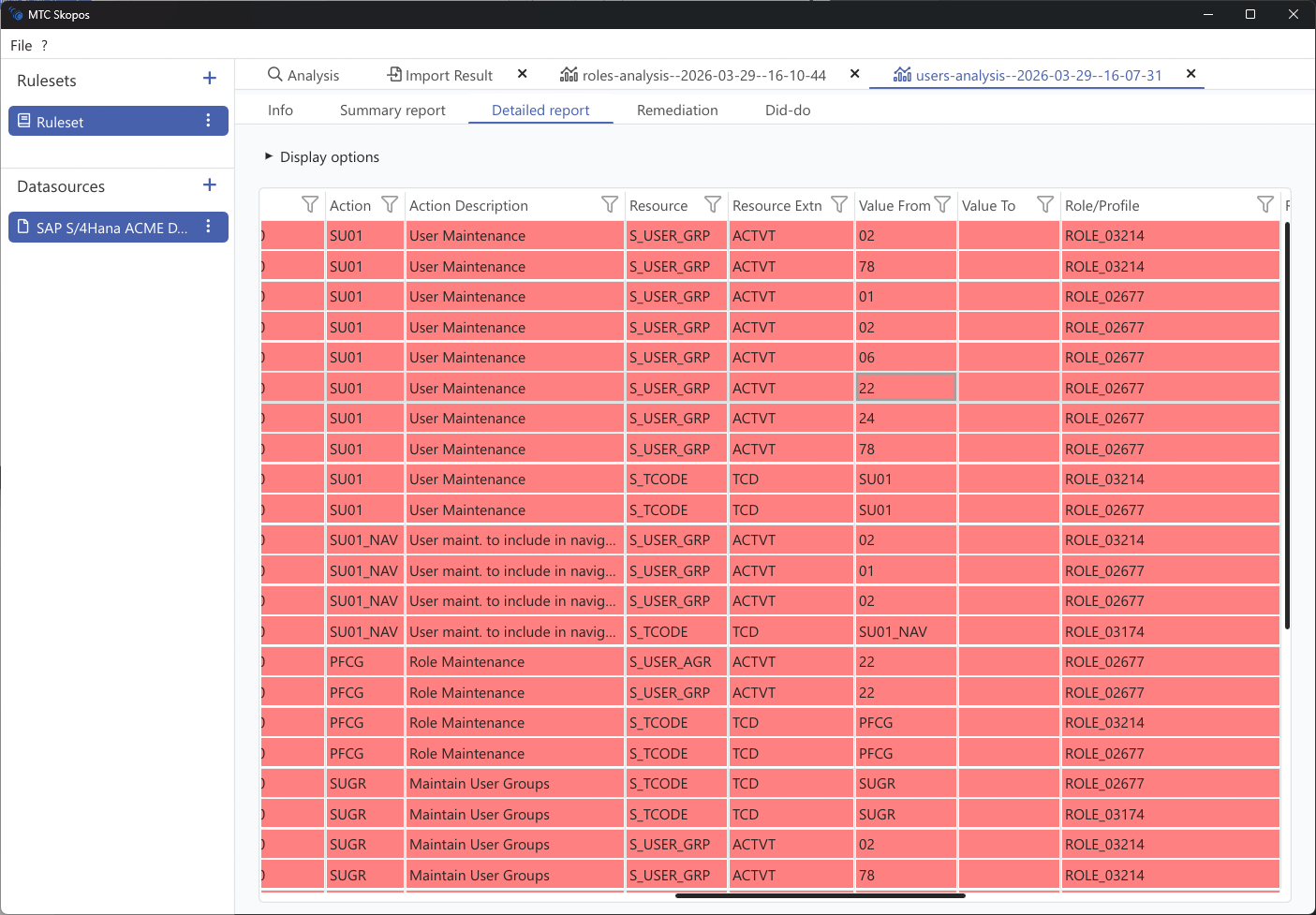
- Results show:
- Added: New risks that would be created
- Removed: Risks that would be eliminated
- Unchanged: Existing risks unaffected by the change