
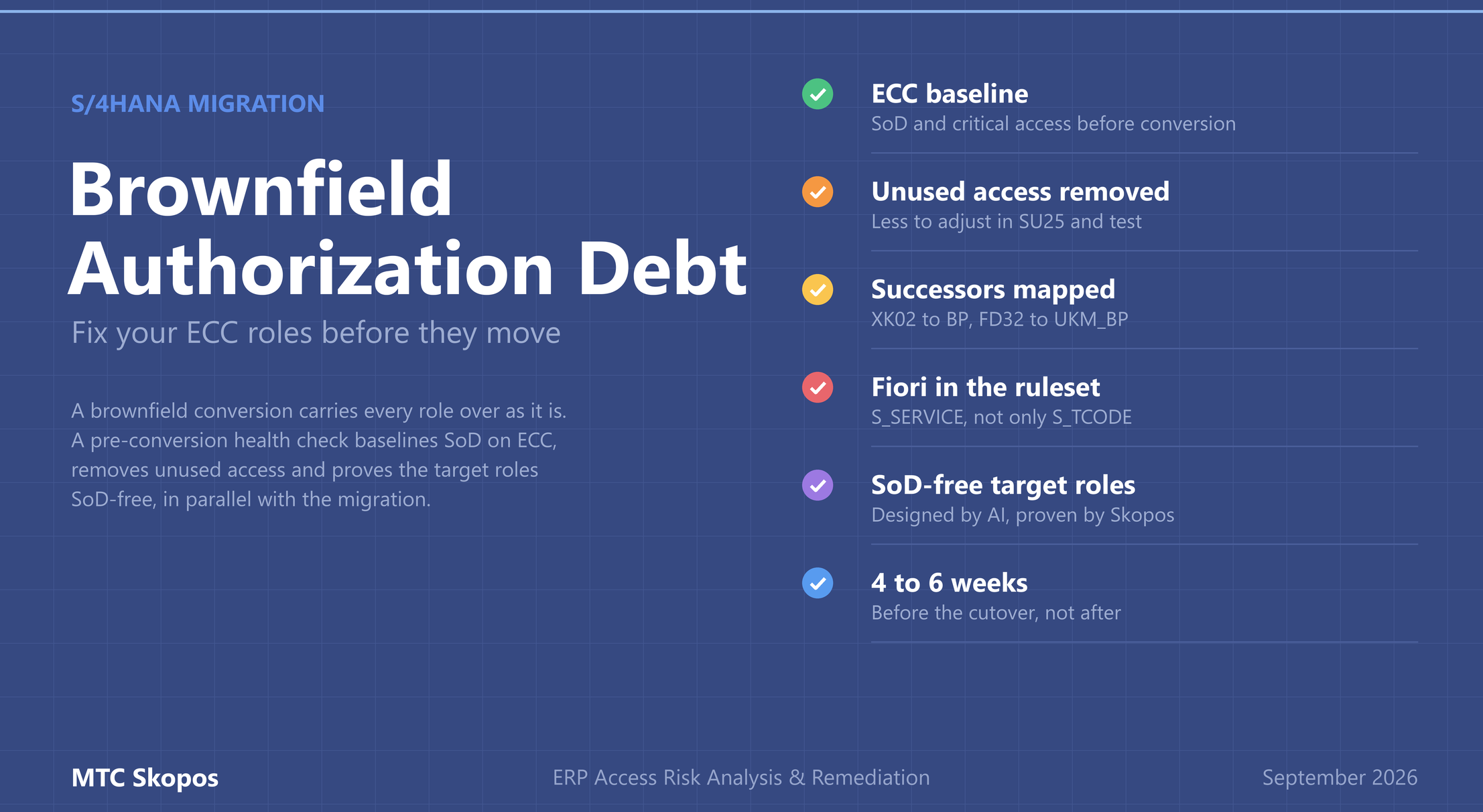
Your ECC roles are about to move to S/4HANA. Their problems will move with them.
A brownfield S/4HANA conversion carries your roles over as they are: every SoD conflict, every unused transaction, every workaround added since go-live. A pre-conversion authorization health check with MTC Skopos baselines the risks on ECC, cleans the roles and extends the ruleset to S/4HANA access paths in a few weeks, on your own data, without touching the migration's critical path. The analysis runs offline from table exports, with a license from €5,736/year (base license).
When does SAP ECC maintenance end?
Mainstream maintenance for SAP ERP 6.0 ends on 31 December 2027. Customers on EHP6, 7 or 8 can buy extended maintenance until the end of 2030, at a premium of 2 percentage points on the maintenance fee. Customers on older enhancement packages don't get that option.
Many of the companies still on ECC will choose brownfield. It is the fastest path, and it keeps data, configuration and custom code. That is a reasonable choice for the system. Applied to authorizations, the same logic turns into something else: you pay to migrate fifteen years of authorization debt.
What does a brownfield conversion do to your roles?
The roles come across unchanged. After the conversion, the team runs SU25 to align role authorizations with the new SU24 proposals and deals with obsolete transactions. This usually happens late in the project, under time pressure, with one goal: users must be able to work on Monday.
The result is predictable:
- Existing SoD conflicts are carried over. Nobody had time to fix them in ECC, and nobody has time during cutover.
- Unused access is carried over. Transactions nobody has executed in years get adjusted, tested and documented like everything else.
- New access paths go unanalyzed. Business Partner, new credit management and Fiori apps reach the same business functions through different authorizations.
- The ruleset stays in ECC. SoD rules built on ECC transactions keep running, and keep reporting.
Why can an ECC ruleset give a clean report on S/4HANA?
Take the classic rule "maintain vendor master data" versus "execute payments". In most ECC rulesets, the vendor side lists XK01, XK02 and FK02. In S/4HANA, supplier maintenance moves to transaction BP. If the rule was never updated, a user who can change a supplier's bank details and run the payment program no longer shows up. The report is clean. The risk is still there.
Fiori makes the gap wider. An app is started through S_SERVICE, not S_TCODE. A ruleset that only looks at transaction start authorizations cannot see a user who performs the same function through an app. We cover the rule-by-rule rebuild in building an SoD ruleset for S/4HANA.
| ECC | S/4HANA | Why it matters for SoD |
|---|---|---|
| XK01, XK02, FK02 | BP (supplier role) | Vendor master rules that list only XK/FK transactions miss supplier changes |
| XD01, XD02, FD02 | BP (customer role) | Same gap on customer master data, payment terms and bank details |
| FD32 | UKM_BP | Credit limit changes move to the new credit management |
| MB1A, MB1B, MB1C | MIGO | Goods movement rules must follow the consolidated transaction |
Transaction start (S_TCODE) | Fiori app start (S_SERVICE) | Same business function, different entry point, invisible to a transaction-only ruleset |
What is a pre-conversion authorization health check?
The check runs in four steps, in parallel with the conversion project.
1. Baseline on ECC. We extract the standard SAP authorization tables and the ST03N usage history. MTC Skopos runs the SoD and critical access analysis offline. Nothing is installed in SAP and there is no transport: the tables are exported manually or pulled over RFC. You get every conflict by user and by role, traced down to the authorization values that cause it. This is the same access risk analysis we run on any SAP system, pointed at the system you are about to convert.
2. Clean in ECC first. Usage is compared with role content. Transactions nobody uses and role assignments nobody needs are removed while you are still on ECC. Every transaction removed here is one less to adjust in SU25, test and document later.
3. Map to S/4HANA. SAP provides the pieces but not the answer. By its own account (KBA 3118651), there is no central list of which app or transaction replaces each ECC transaction. The inputs exist: the simplification list, SU25 and the upgrade impact analysis for obsolete transactions, and the SAP Fiori Apps Recommendations, which match your ST03N transaction usage to relevant apps. The work is combining them with your usage and your SoD rules: obsolete transactions get their successors, the Fiori apps that match real work are selected, and the ruleset is extended so the S/4HANA analysis is not blind.
4. Design the target and prove it. This is where the AI role designer comes in.
How does the AI role designer build SoD-free roles?
The AI role designer is an AI skill that builds a role concept from two inputs: historical usage (who actually does what) and the functional design (processes, organisation, job profiles). It proposes single roles by task and composite roles by job.
Each proposal then goes through MTC Skopos, against the updated ruleset. Conflicts go back to the designer, which splits or reallocates the functions and tries again. The loop stops when the composite roles are SoD-free, or when a remaining conflict needs a business decision and a mitigating control.
The split of responsibilities matters. The AI drafts. Skopos verifies, deterministically, rule by rule. People validate. User names, HR information, role names and system names are anonymised before anything reaches the AI provider: the designer needs usage patterns, not identities.
What do you get from the health check?
- An SoD and critical access baseline of ECC before the conversion, usable as audit evidence of the starting position.
- A cleaned role set that reduces the conversion scope for authorizations.
- A ruleset that covers S/4HANA successor transactions and Fiori apps.
- A target role concept with SoD-free composite roles, and the analysis that proves it.
Typical duration: 4 to 6 weeks, depending on the number of roles and systems.
Should you clean up roles before or after the conversion?
Before. Fixing roles after go-live is a second project: new testing, new training, and first-year audit findings in the meantime. Before the conversion, the usage history is available, the project is still open and every decision is cheaper.
You can start with step 1 on your own extracts. The free two-week MTC Skopos trial is enough to run the ECC baseline and see what you are about to migrate.